5 Smart Tech Tips to Keep Your Business Running Smoothly

September 16, 2025
Technology powers nearly everything in today’s workplace—from managing client relationships to storing vital data and running daily operations. But when your systems slow down, break, or fail, your productivity can drop in an instant.
That’s why building good tech habits is so important. A few proactive steps can save time, protect data, and help your business run without disruption. Here are five practical IT tips to keep your systems healthy and your team focused on what they do best.
1. Prioritize Regular Maintenance
Just like cars, computers and networks need regular upkeep. Skipping maintenance can lead to slow performance, sudden crashes, and costly repairs down the line.
Routine tasks like clearing cache, deleting unnecessary files, checking disk health, and updating drivers can prevent many common problems. Professional IT support teams can automate this process to ensure nothing gets overlooked, freeing you from having to remember it all yourself.
2. Keep Software Updated
Software updates often feel like a hassle, but they’re essential for both performance and security. Outdated software can create vulnerabilities that cybercriminals exploit.
Whenever updates are available for your operating system, antivirus software, or critical applications, install them as soon as possible. Managed IT support can schedule and test these updates for you, ensuring compatibility while reducing the risk of data breaches or performance issues.
3. Don’t Ignore Hardware Issues
If a device starts showing signs of trouble—random restarts, unusual noises, or sluggish performance—address it immediately. Waiting too long could result in data loss or total hardware failure.
Businesses often rely on trusted local professionals for PC Repair when issues arise. Getting timely repairs can extend the lifespan of your equipment, save money on replacements, and reduce downtime for your team.
4. Back Up Data Regularly
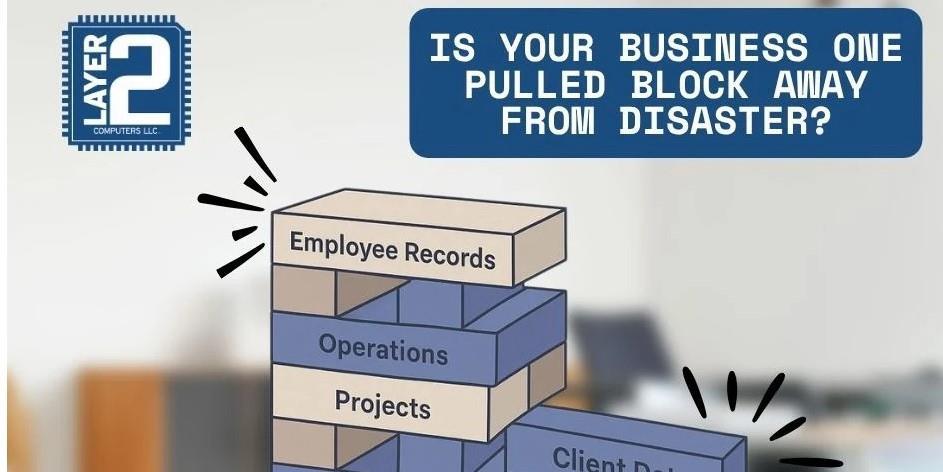
One accidental deletion or sudden hard drive failure can wipe out months or years of work. Regular data backups are one of the simplest and most effective ways to protect your business from disaster.
Use both local and cloud backups for redundancy, and test your backups regularly to make sure they work. If your business needs help setting up secure and automated backups, partnering with an experienced IT team can give you peace of mind that your critical files are safe.
5. Build a Relationship With a Local IT Partner
Instead of only calling for help when something breaks, build an ongoing partnership with an IT support provider. This ensures they understand your systems, workflows, and security needs—so they can provide faster, more accurate solutions when problems arise.
For example, if your team needs quick laptop repair in Dayton or urgent network troubleshooting, having an established IT relationship means you’ll get help from experts who already know your environment and can minimize downtime.
Final Thoughts
A few smart habits can go a long way in keeping your technology reliable and secure. By maintaining your systems, staying current on updates, addressing hardware issues early, backing up data, and partnering with a local IT team, you’ll reduce disruptions and keep your business running smoothly.
In today’s tech-driven world, proactive IT care isn’t just smart—it’s essential.




