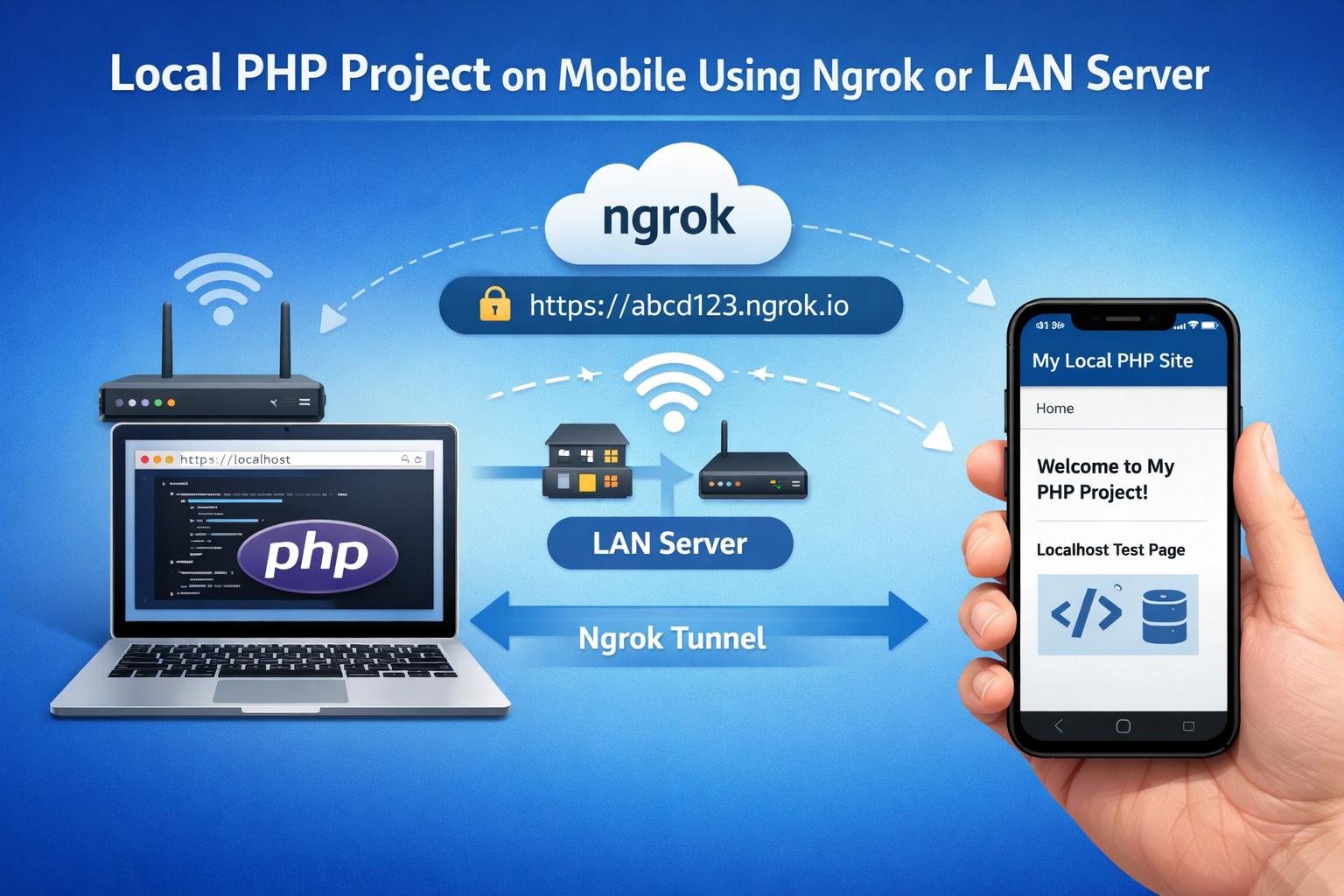

Working on web development is no longer limited to desktops and laptops. Today, developers want flexibility to test and showcase projects directly from their smartphones. Local PHP Project on Mobile testing has become a practical need for students, freelancers, and professionals who want to review their work anytime, anywhere. Using tools like Ngrok or a LAN server, you can easily access your local PHP environment on a mobile device without deploying it online.
In this detailed guide, you’ll learn how to run, access, and test a local PHP project on mobile using both Ngrok and LAN-based setups, along with best practices, benefits, and common troubleshooting tips.
Why Test a Local PHP Project on Mobile?
Testing PHP projects on mobile devices is crucial because a large percentage of users browse websites on smartphones. Desktop-only testing can miss layout issues, performance bottlenecks, or mobile-specific bugs.
Here are some key reasons why mobile testing matters:
Ensures responsive design works correctly
Helps identify UI/UX issues on smaller screens
Allows on-the-go testing without a laptop
Makes it easy to show demos to clients or team members
By testing early, you reduce the risk of costly fixes later in the development cycle.
Prerequisites Before You Begin
Before accessing your PHP project on mobile, make sure you have the following ready:
A working local PHP environment (XAMPP, WAMP, MAMP, or similar)
A PHP project running successfully on your local server
A smartphone (Android or iOS)
Stable internet connection (for Ngrok) or Wi-Fi network (for LAN)
Once these basics are set up, you can choose between Ngrok or LAN server access.
What Is Ngrok and How Does It Work?
Ngrok is a powerful tunneling tool that exposes your local server to the internet through a secure public URL. Instead of deploying your PHP project to a live server, Ngrok creates a temporary HTTPS link that can be accessed from any device, including your mobile phone.
Key Benefits of Ngrok
No need for the same Wi-Fi network
Secure HTTPS URLs
Ideal for remote access and demos
Works well for APIs and webhooks
Ngrok is especially useful when you want to test your project from different locations or share progress with clients.
How to Use Ngrok for Local PHP Project on Mobile
Follow these steps to access your PHP project on mobile using Ngrok:
Download and install Ngrok on your computer
Start your local server (Apache) and ensure PHP project is running
Open a terminal or command prompt
Run the command: ngrok http 80 (or your custom port)
Copy the generated HTTPS URL
Open the URL in your mobile browser
Within seconds, your local PHP project will load on your mobile device.
When to Choose Ngrok
You are not on the same network
You want secure HTTPS testing
You need to share access with others
What Is a LAN Server Setup?
A LAN (Local Area Network) server allows you to access your local PHP project over the same Wi-Fi network using your computer’s local IP address. This method does not require internet tunneling or third-party tools.
Instead, your mobile phone connects directly to your local machine through the router.
Advantages of LAN Server Access
No external tools required
Faster loading speeds
Works offline within the same network
Simple and beginner-friendly
LAN setups are ideal for quick internal testing and personal development workflows.
How to Access Local PHP Project on Mobile Using LAN
To use a LAN server, follow these steps carefully:
Connect your computer and mobile phone to the same Wi-Fi network
Start Apache in XAMPP/WAMP/MAMP
Find your computer’s local IP address (e.g., 192.168.1.5)
Ensure firewall allows Apache traffic
Open your mobile browser
Enter: http://192.168.1.5/your-project-folder
If configured correctly, your PHP project will open instantly on your mobile browser.
Common LAN Issues and Fixes
Firewall blocking access → Allow Apache
Wrong IP address → Recheck network settings
Different Wi-Fi networks → Ensure same router
Ngrok vs LAN Server: Which Is Better?
Both Ngrok and LAN servers are excellent options, but each serves a different purpose.
Use Ngrok When:
You need remote access
Client or teammate is in another location
HTTPS testing is required
Use LAN Server When:
You want fast, offline testing
You are on the same network
No external dependencies are preferred
Understanding your use case will help you choose the right approach.
Best Practices for Mobile Testing PHP Projects
To get accurate results while testing on mobile, follow these best practices:
Test on multiple screen sizes
Use responsive frameworks like Bootstrap
Clear cache frequently
Monitor loading speed
Check form validation and touch interactions
Consistent testing ensures your project performs well across devices.
Security Considerations While Using Ngrok
While Ngrok is secure, it’s still important to be cautious:
Avoid exposing sensitive data
Use basic authentication if possible
Stop Ngrok tunnels when not in use
Never share URLs publicly without protection
Security should always be a priority during development and testing.
Optimizing Performance for Mobile Browsers
Mobile devices have limited resources compared to desktops. Optimize your PHP project by:
Minimizing CSS and JavaScript
Compressing images
Using efficient database queries
Reducing unnecessary redirects
These optimizations improve user experience and reduce bounce rates.
Real-World Use Cases
Developers and businesses commonly use mobile PHP testing for:
Client demos without deployment
Classroom teaching and live coding
Freelancers reviewing projects on the go
Debugging responsive layouts
These scenarios highlight why mobile access is becoming essential.
Testing Experience of Local PHP Project on Mobile
When you test a Local PHP Project on Mobile, you gain valuable insights into how real users interact with your website. Touch responsiveness, font readability, button placement, and load times become more apparent on a smartphone. Whether you use Ngrok for remote access or a LAN server for offline testing, Local PHP Project on Mobile testing ensures your application meets modern usability standards.
Final Thoughts
Running a local PHP project on mobile using Ngrok or a LAN server is a smart and efficient way to improve your development workflow. Both methods are easy to set up, cost-effective, and highly practical. Ngrok offers flexibility and secure remote access, while LAN servers provide fast, offline testing within the same network.
By regularly testing your PHP projects on mobile devices, you ensure better performance, improved user experience, and higher project quality. Choose the method that fits your needs and make mobile testing a standard part of your development process.




