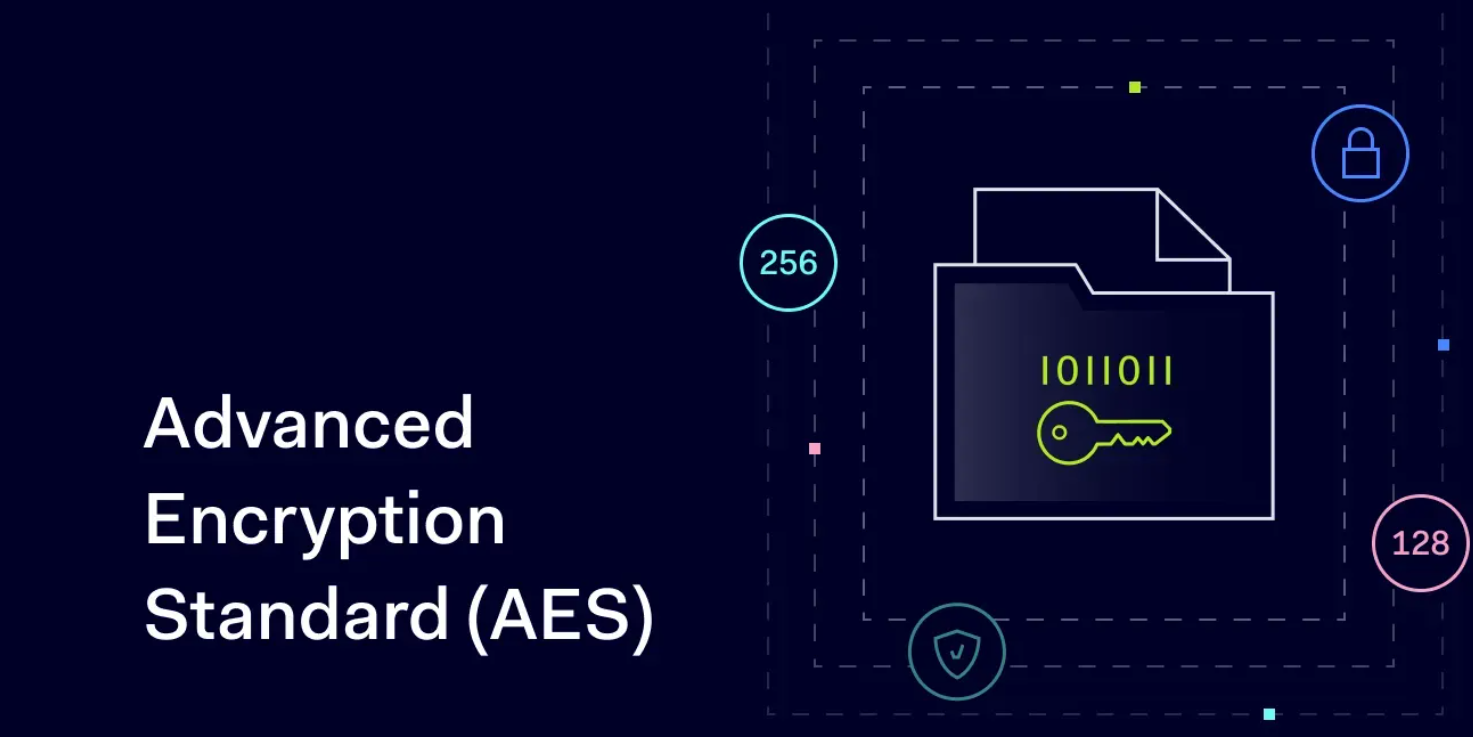
AES-256 Encryption Explained: Why Photo Lock App Keeps Your Gallery Locked Down

September 10, 2025
Privacy is one of the most important things to invest in the modern digital world. There is always a risk that your photos, videos and personal files will be used by unauthorized people with the emergence of smartphones and social media. It does not matter whether it is hackers, malicious applications, or even a person who is borrowing your phone, keeping sensitive material safe is no longer a luxury, but a necessity.
Here is where AES-256 encryption is used. This strong encryption technology can be used by the Photo Lock app, which is made to secure your gallery so that your confidential files are not vulnerable. But what is AES-256 encryption? and why is it the gold standard of data protection? Let’s dive deeper.
What is AES-256 Encryption?
AES is an acronym of Advance Encryption Standard, an efficient encryption algorithm that governments, financial organizations, and technological companies of various countries worldwide have embraced. U.S. National Institute of Standards and Technology (NIST) had it as a standard in 2001 and was promptly adopted as the standard of secure encryption.
AES-256 is 256 which is the key size. AES may have keys of 128, 192, or 256 bits. The bigger the key size, the more secure the encryption, the greater is the protection against brute-force attacks.
· AES-128: Secure, but slightly less resistant to future computing power.
· AES-192: Stronger, but less commonly used.
· AES-256: The most secure option, offering near-impenetrable encryption.
To put this into perspective, breaking AES-256 encryption with today’s technology would take billions of years, even with the most powerful supercomputers. That’s why it’s considered the ultimate shield for sensitive data.
How Does AES-256 Work?
The main principle of AES-256 is that it encrypts data into an incomprehensible form by means of a 256-bit key. The original content can only be unlocked by a person who has the correct decryption key to read.
Here’s a simplified breakdown of the process:
1. Input Data (Plaintext): Your photo or video is the original data.
2. Encryption Algorithm: AES-256 applies a series of mathematical transformations.
3. Key: A unique 256-bit key is used to lock the data.
4. Ciphertext: The encrypted output looks like gibberish to anyone without the key.
Once you open your photo in the Photo Lock app the system will use the same key to decrypt the ciphertext and show you the original picture. The data can not be read without that key.
Why AES-256 is Trusted Globally
AES-256 does not just represent a promotional acronym, but it is the military standard of encryption. That is why it is trusted by organizations and applications such as Photo Lock:
· Government Approval: The U.S. government uses AES-256 to secure classified information up to the Top Secret level.
· Bank-Level Security: Financial institutions employ AES-256 to protect online transactions.
· Global Recognition: It is accepted and trusted worldwide, making it the go-to encryption method.
· Resilience Against Brute Force: Even with quantum computing advancements, breaking AES-256 would require astronomical resources.
This level of trust and security is exactly what Photo Lock integrates into its system to keep your gallery protected.
Why You Need Encryption for Your Gallery
AES-256 does not just represent a promotional acronym, but it is the military standard of encryption. That is why it is trusted by organizations and applications such as Photo Lock:
1. Lost or Stolen Devices: If your phone falls into the wrong hands, anyone can access your gallery unless it’s encrypted.
2. Malware and Spyware: Malicious apps often target personal files. Encryption ensures even if files are extracted, they remain unreadable.
3. Cloud Backups: Many people back up their galleries online. Without encryption, your files are at risk of leaks in case of a data breach.
4. Personal Privacy: Whether it’s private family photos, business documents, or personal selfies, you deserve control over who sees them.
By using AES-256 encryption, Photo Lock makes sure your sensitive content stays locked down.
How Photo Lock Uses AES-256 to Protect Your Gallery
Photo Lock app is a mixture of advanced encryption and the convenient interface. This is how it operates to make your data safe:
1. Secure Vault: When you move a photo or video into the app, it’s immediately encrypted with AES-256.
2. Access Control: Only you can unlock the vault using your PIN, password, or biometric authentication (fingerprint/face ID).
3. Stealth Features: The app can disguise itself with a decoy icon, making it even harder for prying eyes to find.
4. Offline Protection: Since encryption works locally, your gallery remains safe even without an internet connection.
5. Break-In Alerts: Some versions of the app notify you if someone attempts to access your vault.
This combination of encryption + smart app features makes Photo Lock one of the most reliable privacy apps available.
AES-256 vs. Other Encryption Methods
You might wonder—why not use simpler encryption methods? Here’s how AES-256 compares:
Feature | AES-128 | AES-256 | Older Methods (DES, 3DES) |
Key Strength | Strong | Extremely Strong | Weak by today’s standards |
Global Standard | Yes | Yes | No |
Brute-Force Resistance | High | Nearly Impossible | Vulnerable |
Adopted By | Corporations | Governments, Banks, Apps | Rarely Used |
The comparison shows why AES-256 is the best choice for apps like Photo Lock—it’s not just strong, it’s future-proof.
Everyday Benefits of Using Photo Lock with AES-256
By securing your gallery with AES-256 encryption, you gain peace of mind and tangible benefits:
· Privacy Assurance: No one can access your private photos without your permission.
· Protection Against Hackers: Even if your phone is compromised, your encrypted gallery is safe.
· Confidence in Sharing Devices: You can lend your phone to friends or family without worrying about them stumbling upon private files.
· Backup Security: If you back up your Photo Lock vault, your files remain encrypted.
This level of protection is what sets Photo Lock apart from other apps that use weaker methods.
How to Get Started with Photo Lock
Getting started is simple:
1. Download the Photo Lock app
2. Set up your secure password, PIN, or biometric lock.
3. Move your photos, videos, or documents into the encrypted vault.
4. Enjoy peace of mind knowing your gallery is locked with AES-256 encryption.
If you value your digital privacy, don’t wait—download Photo lock now and protect your gallery with the same technology trusted by governments and banks.
The Future of Encryption and Photo Security
With the changing nature of technology, so is the cyber threat. An example of a potential threat to the existing encryption systems is quantum computing. Nevertheless, AES-256 is regarded as powerful enough to survive the challenges of the future. The post-quantum encryption schemes are also being considered by developers in order to have a long term protection.
At present, AES-256 is one of the surest methods of protecting your personal data. You are sure your gallery is going to remain safe, even in the face of technological innovations still to come, as next-generation apps such as Photo Lock are going to follow this gold standard.
Final Thoughts
Privacy is no option, it is a necessity. Hackers, data leakage and nosy people are always persistent and therefore by securing your gallery, you should have it as a priority. Applied by governments and financial institutions globally, AES-256 encryption has shown to be the most powerful defence line.
Photo Lock app is a product of this high-level encryption and packages it into an accessible and easy to use format. It will help keep your personal life either personal by offering military-grade encryption plus practical security features.It is time to take action in case you are serious about your digital life protection. Download photo lock
today and encrypt your gallery using AES-256 encryption- the kind that the most secure organizations globally trust.

You Might Like Also





